Your Competitor Isn’t Smarter Than You. They Just Have a Better AI Stack.
The business beating you isn’t working harder or hiring smarter. They’ve quietly wired three cheap AI tools into their week, and you haven’t.
A friend of mine runs a one-person marketing shop. Last year she was drowning. This year she took on three more clients without hiring anyone. Nothing about her changed except one thing: she built a small AI stack and stopped doing the work that machines do faster.
That’s the part nobody tells you. The gap between you and the competitor who’s pulling ahead usually isn’t talent. It’s tooling.
Why “Use AI More” Is Useless Advice
Most advice tells you to “embrace AI” without saying what that means on a Tuesday afternoon. So people open ChatGPT, ask it to write a caption, get something bland, and quietly give up.
The professionals winning right now don’t use more AI. They use a small set of tools for specific, repeated jobs. Three tools, used deeply, beats ten tools used once.
There’s data behind this. One 2026 analysis found ChatGPT’s share of the AI assistant market dropped to roughly 55%, while Claude grew over 300% in a single quarter. The people driving that shift aren’t switching for fun. They’re matching the right tool to the right job, and that’s where the leverage lives.
The Three-Tool Stack That Covers 90% of Your Week
You don’t need a lab. You need three reliable workers.
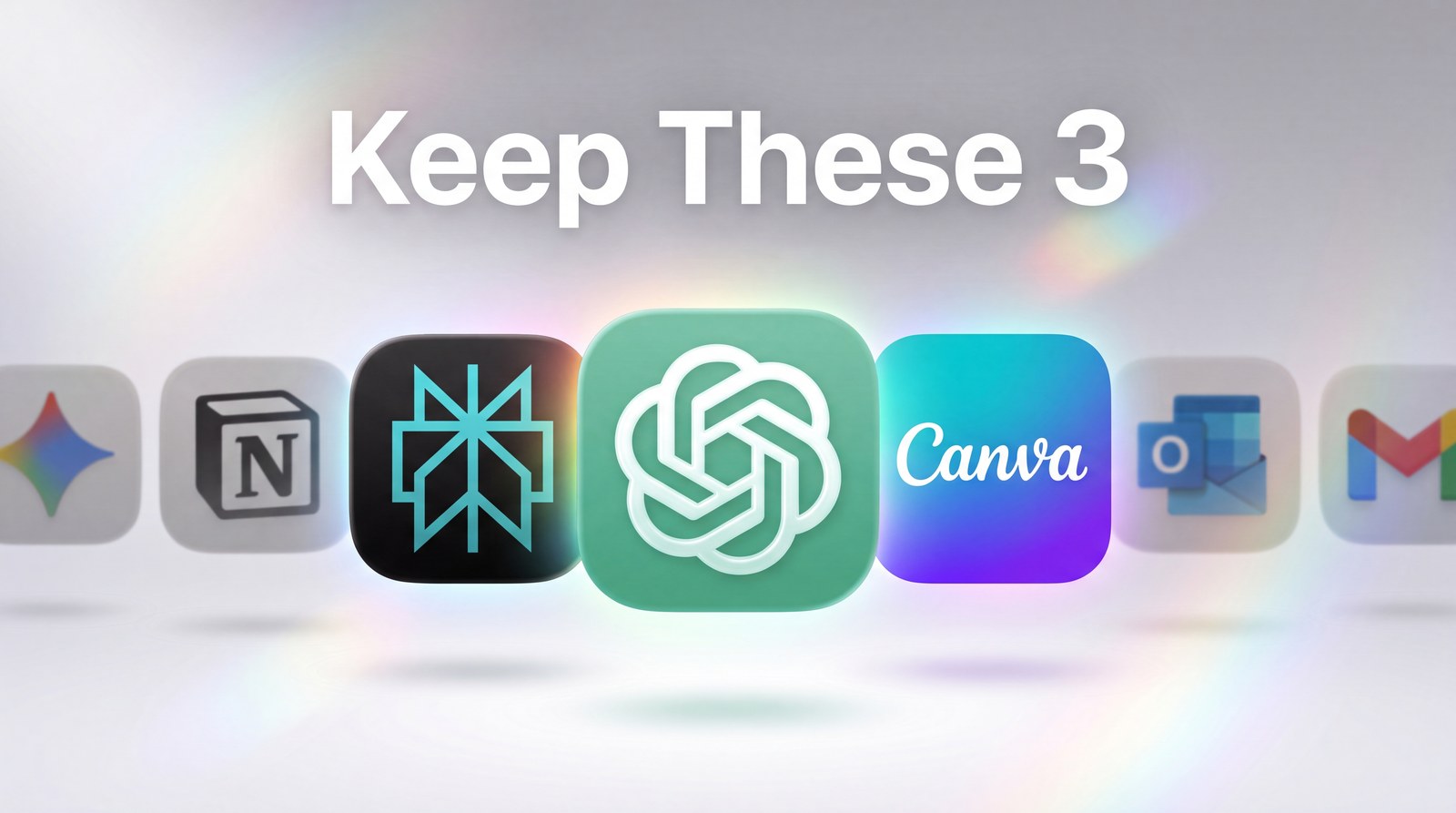
The first is a writing and thinking tool, ChatGPT or Claude. This is your drafting partner for emails, posts, proposals, and “help me think through this” moments. Pick one and learn it well rather than bouncing between both.
The second is a research tool, Perplexity. When you need facts, sources, or a fast read on a topic, this beats asking a chatbot that might invent things. It shows you where the answer came from, which matters when you’re putting your name on the output.
The third is a visuals tool, Canva’s AI features or a dedicated image generator. For thumbnails, social graphics, and quick mockups, this kills the “I need a designer for everything” bottleneck.
That’s the whole stack. Writing, research, visuals. Most of your repeatable work lives inside those three boxes.
How to Actually Wire It Into Your Week
Here’s the part that makes the difference. A tool you open randomly does nothing. A tool tied to a specific recurring task changes your week.
- List the five tasks you do every single week. Client emails, content drafts, research, reports, social posts. Be specific.
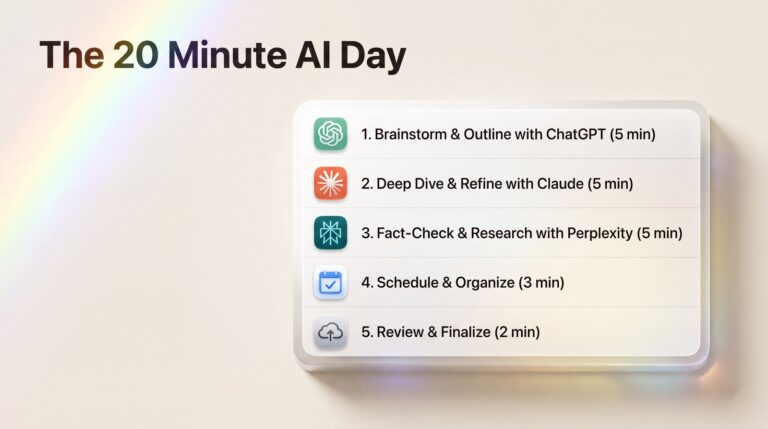
- Assign each task to one tool. Research goes to Perplexity. First drafts go to your writing tool. Graphics go to your visuals tool.
- Build one reusable prompt per task. Write it once, save it, reuse it. The prompt is the asset, not the tool.
- Run the same loop for two weeks. You’re not experimenting anymore. You’re installing a habit.
My friend’s “report prompt” turned a 90-minute Friday ritual into 12 minutes. She didn’t get smarter. She stopped doing a machine’s job by hand.
What This Looks Like in Real Numbers
Let me make this concrete, because “save time” is the vaguest promise on the internet.
Take a weekly client update. The old way: open last week’s email, remember what happened, write it from scratch, second-guess the tone, send. Call it 40 minutes per client. Five clients is over three hours of your week gone to one chore.
The stack way: a saved prompt that takes your bullet points and drafts the update in your voice. You paste five lines, read the draft, tweak one sentence, send. Eight minutes per client. Five clients in 40 minutes total. You just got two and a half hours back, every single week, from one prompt you wrote once.
Now stack that across research and visuals too. Research a topic the old way means 30 minutes of open tabs and skimming; with Perplexity it’s a five-minute briefing with sources you can trust. A social graphic that meant waiting on a designer becomes a two-minute job in Canva. None of these are dramatic on their own. Added up across a month, they’re the difference between turning down work and taking on three more clients.
Won’t Clients Notice It’s AI?
This is the fear that stops people, so let’s kill it. Clients don’t notice AI. They notice late replies, generic work, and you being too stretched to care. AI fixes all three by giving you back the hours to do the human part well. You’re not handing them a robot’s output, you’re using the robot to clear the busywork so your actual judgment gets more of your day. Used right, the stack makes your work feel more personal, not less.
The Real Reason This Feels Hard
It’s not the technology. It’s that building a stack feels like setup work with no immediate payoff, so it never gets prioritised over the actual fire in front of you.
But that’s exactly why your competitor pulls ahead. They spent two boring afternoons setting up a system. You spent those afternoons answering emails by hand. Three months later, the gap is obvious and feels like talent. It isn’t.
Pick your three tools today. Assign your five tasks. The advantage isn’t in working more. It’s in deciding, once, who does what.
Want the prompts that power a stack like this? I’ve put together 100 free AI prompts for everyday business tasks, drafting, research, reports, social, copy, paste, done. Grab them free.