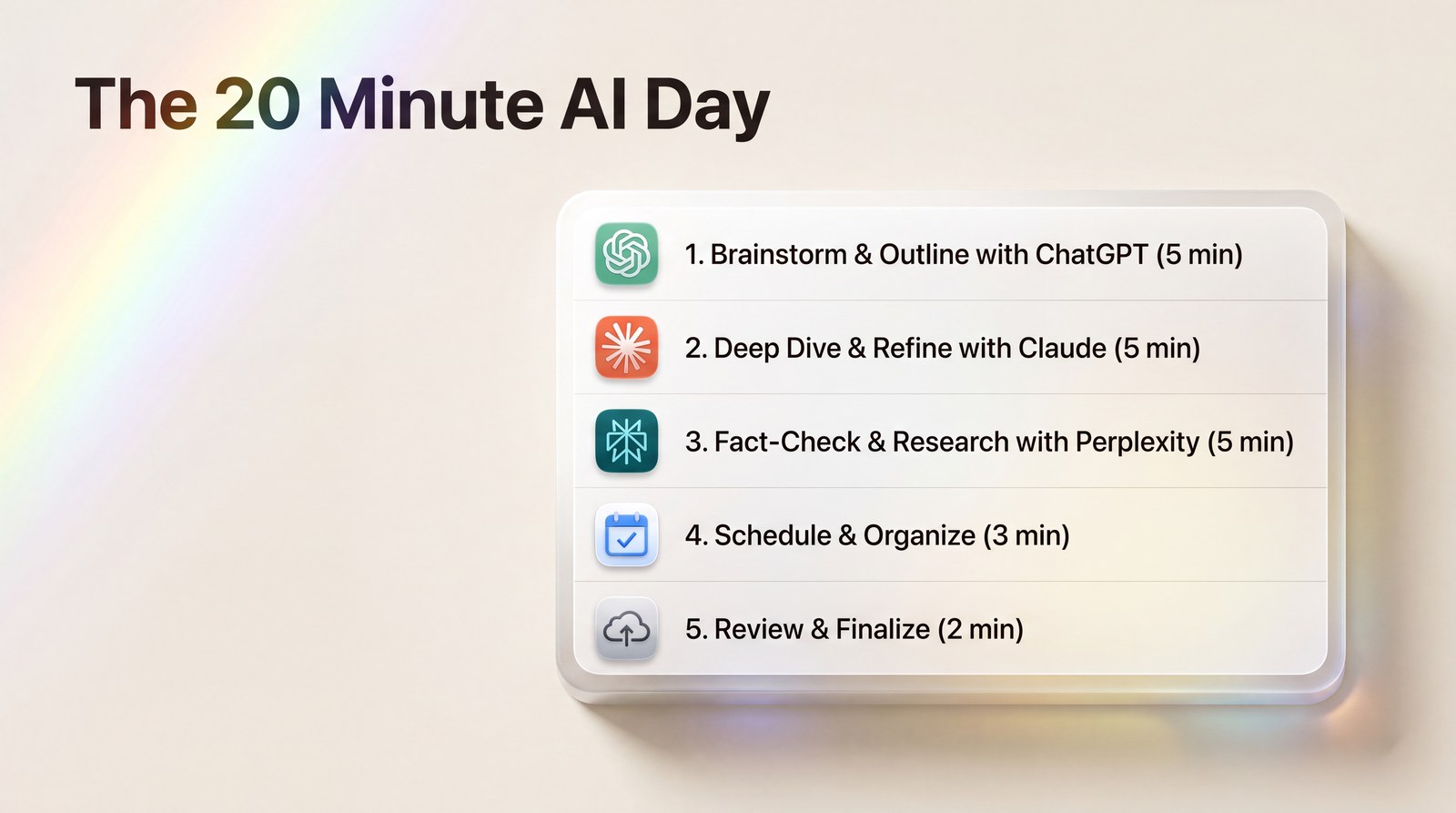
Stop Using AI Like a Search Engine and Try This 5 Step Daily System
A 20 minute daily routine that turns ChatGPT and Claude into a real assistant for your inbox, your documents, and your meetings.
Most people open ChatGPT the way they open Google. Type a question, skim the answer, close the tab. Then they wonder why AI “doesn’t really save them time.”
Here’s the shift that changed everything for me: AI is not a search engine. It’s a coworker. And you don’t get value from a coworker by asking them one random question a day. You get value by giving them a job.
This article is the job description. Five steps, about 20 minutes total, repeated daily. I’ve run this routine for months now, and it’s the difference between AI as a party trick and AI as the reason my Fridays got quieter.
Why Random Prompts Never Stick
A random prompt gives you a random result, and random results don’t build habits. If you ask AI something different every day, you re-explain your context every day, you get inconsistent quality, and eventually you stop bothering.
A system fixes that. Same steps, same order, same saved prompts. The AI gets your context once, and every day after that is compounding.
One more thing before the steps: pick one primary tool and stay in it. I use Claude for anything involving long documents and ChatGPT for quick drafting. Perplexity handles research. You don’t need ten tools. You need a routine.
Step 1: The Morning Inbox Triage (5 Minutes)
Paste your unread emails (or the messy ones) into your AI tool with a saved prompt like this: “Sort these into three groups: needs a reply today, needs a decision, can wait. Draft two sentence replies for the first group in my tone: warm, brief, no exclamation marks.”
You’re not asking AI to run your inbox. You’re asking it to do the sorting your brain does slowly at 8am. My morning email block went from about 40 minutes to roughly 15, and the replies sound like me because I told it exactly how I write.
Step 2: One Document Draft (5 Minutes)
Every workday has one document lurking in it. A proposal. A brief. A status update. Instead of writing it cold at 3pm, brief the AI in the morning while your coffee is still hot.
The trick is briefing, not prompting. Give it the audience, the goal, the three points you want covered, and one example of your past writing. Then let it produce a rough first draft you’ll edit later. A rough draft you can react to beats a blank page you have to fill. Every single time.
Step 3: Meeting Prep in One Pass (3 Minutes)
Before your first meeting, paste the agenda (or the email thread that caused the meeting) and ask: “What are the three questions I should be ready to answer, and what’s the one thing I should push for?”
That’s it. Three minutes, and you walk in as the most prepared person in the room. I started doing this for client calls and stopped having that mild panic where someone asks a question I saw coming but never prepared for.
Step 4: The Midday Research Errand (5 Minutes)
Somewhere around lunch, a question always comes up. A competitor’s pricing. A stat for a post. Whether a tool does the thing you need. Batch these into one research session instead of letting them interrupt you all afternoon.
I keep a running note called “ask later.” At midday, the whole list goes into Perplexity in one go. Five questions, five sourced answers, one sitting.
Step 5: The End of Day Handoff (2 Minutes)
This one feels small and matters most. Before you close your laptop, tell your AI tool: “Here’s what I finished today and what’s unfinished. Write tomorrow’s top three priorities as if you were my assistant.”
Tomorrow morning, you open a plan instead of a fog. That two minute handoff is the reason the other four steps keep happening.
The Saved Prompt Trick That Makes This Stick
Each step above only takes minutes because the prompt is already written. That’s the part most people skip, and it’s why their AI habits collapse by Thursday.
Here’s the one time setup: open a plain document called “My AI Prompts.” Write out the five prompts, one per step, each including your personal context baked in. Your role, your tone rules, your typical audience. Ten minutes of writing, total.
Now every morning is paste, add today’s material, go. No thinking about how to ask. The thinking was done once, on a good day, and reused forever. When a prompt produces something slightly off, you don’t shrug, you edit the saved version. Within two weeks, the prompts fit you like a worn in pair of shoes.
Do You Need Paid Tools for This?
No. Every step in this system works on the free tiers of ChatGPT, Claude, and Perplexity. The free versions have usage limits and slower models, and if you hit those limits daily, that’s your sign the $20 upgrade will pay for itself.
My rule of thumb: run the system free for two weeks first. If you’re reaching for it every day by then, upgrade the one tool you use most and leave the rest free. Most people need exactly one subscription, not three.
What Changes After a Week
The first two days feel slow because you’re writing the saved prompts. By day four, the routine runs itself. By day seven, you’ll notice the real change: you stop thinking “what should I ask AI today?” and start thinking “which part of this belongs to my system?”
That question is the whole game. Start tomorrow morning with Step 1 and nothing else. Add one step a day. By Friday you’ll have a working system, built in less time than you spent scrolling this morning.
Want the exact prompts to run this system? I’ve bundled 100 free AI prompts for everyday work tasks, including inbox triage and meeting prep, so you can copy, paste, and go. Grab them free here.