AI Agents Explained in Plain English (Plus 3 Workflows to Copy)
The difference between a chatbot and an agent in one analogy, and three beginner workflows you can set up without writing any code.
“AI agents” is the phrase of 2026, and almost nobody explaining it is talking to you. The explanations are either written for developers or written to sell you something.
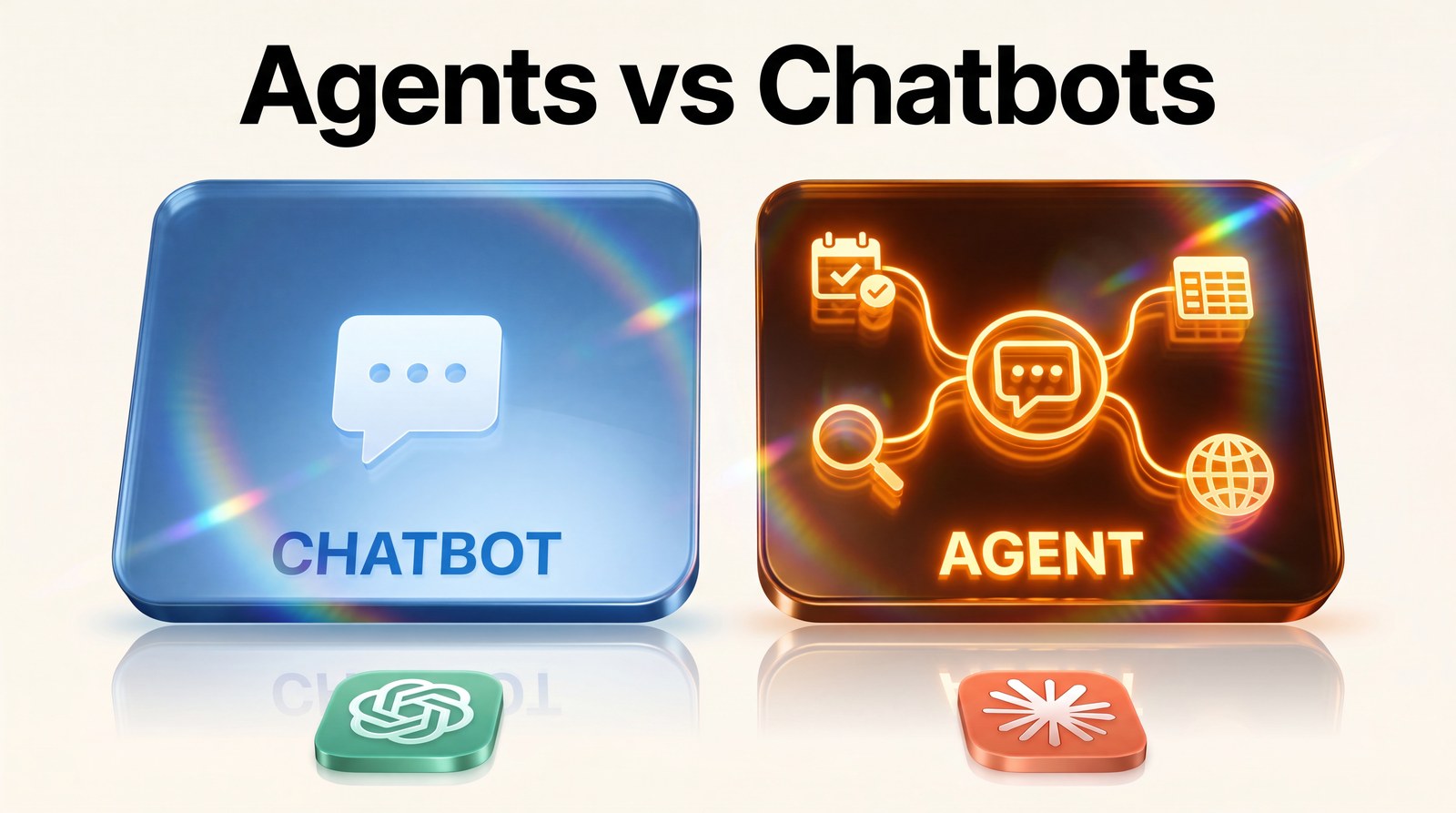
So here’s the plain version. An AI chatbot is a talented assistant who answers when you ask. An AI agent is that same assistant after you’ve said: “Here’s the errand. Go do it, and come back when it’s done.”
That’s the whole difference. A chatbot waits for you. An agent works without you. Everything else is detail, and the detail is what this article covers, followed by three agent style workflows a non-technical person can set up this week.
What Makes an Agent an Agent
An agent can do three things a normal chatbot can’t. It can take a goal instead of a question (“keep an eye on my competitors’ pricing” rather than “what is my competitor’s pricing today”). It can use other tools, like your calendar, a spreadsheet, or the live web. And it can keep going across multiple steps without you approving each one.
Google’s move this year made the concept mainstream: information agents now run continuously inside Search’s AI Mode, tracking topics, prices, and news for you. Not answering a search. Watching the internet on your behalf. That’s the shift, and it’s why the word is suddenly everywhere.
Do You Actually Need One?
Honest answer: not for everything. If your task is “rewrite this email,” a chatbot is perfect and an agent is overkill.
Agents earn their keep on tasks that are repetitive, multi-step, and boring. The test I use: if you’ve explained the same process to a human assistant more than twice, it’s agent shaped. Below are the three I’d start with.
Workflow 1: The Research Watcher
This is the easiest entry point because Google built it for you. Inside Search’s AI Mode, set an information agent on the topics you’d normally check manually: your industry news, a competitor’s product page, prices on tools you’re considering.
Where a Google Alert used to send you a raw pile of links, an agent tracks the topic continuously and surfaces what changed. For a content creator, this doubles as an idea pipeline: your niche’s developments arrive pre-gathered, ready to feed into your writing.
Workflow 2: The Content Repurposer
One piece of content should become five. The workflow: paste your finished article or video script into your chat tool with a saved multi-step instruction that produces a LinkedIn post, a set of carousel slides, a newsletter section, and three short hooks, each in the right format for its platform.
Is this a true autonomous agent? Not quite, it’s a multi-step routine you trigger. But it’s the same principle (one instruction, many steps, no supervision between them), and it’s the best training ground I know. My repurposing session went from an afternoon to under 30 minutes this way.
Workflow 3: The Lead Follow Up
If you run a service business, this one pays for itself first. Using a no-code automation tool like Make or Zapier with an AI step in the middle: a new enquiry arrives, the AI drafts a personalised reply using your services list and tone guide, and the draft lands in your inbox for a one click send.
Notice the design: the agent drafts, you approve. Keeping a human on the send button isn’t a limitation. For anything client facing, it’s the correct build, and it still removes 80 percent of the work.
What Do Agents Cost?
Less than the word suggests. The research watcher runs inside Google Search’s AI Mode at no extra charge. The repurposing routine works on the free or $20 tier of whichever chat tool you already use. The lead follow up needs an automation platform, and the starter plans that cover one or two workflows run roughly $10 to $30 a month.
So a realistic first month of “running AI agents” costs somewhere between zero and $50. The expensive part isn’t the software. It’s the hour of thinking required to describe your process clearly enough to hand it over. Which, incidentally, is an hour that improves the process even if you never automate it.
Are AI Agents Safe to Let Loose?
The question everyone asks quietly, so let’s answer it directly. An agent is as safe as the permissions you give it and the checkpoints you keep. The three workflows above are deliberately low risk: one only reads information, one only produces drafts, and one keeps you on the send button.
The sensible ladder looks like this. Start with agents that watch and report (zero risk beyond wasted time). Graduate to agents that draft for your approval. Only much later, if ever, allow an agent to act without review, and even then only on tasks where a mistake costs minutes, not clients. Never give an early agent your payment details, your full inbox send rights, or anything client facing without a human checkpoint.
That’s not fear. That’s the same onboarding you’d give a human hire, compressed.
What Agents Still Can’t Do
Worth saying plainly, because the hype skips it. Agents in 2026 are unreliable at long open ended tasks (“grow my Instagram”), at judgment calls involving taste or relationships, and at anything requiring them to notice what’s missing rather than what’s present. They also fail quietly sometimes, which is why the watch and report design matters.
The pattern that works: agents handle the repeatable middle of a process. You keep the two ends, deciding what’s worth doing and judging whether it was done well. Anyone who tells you the ends are automatable too is selling something.
The Mindset That Makes This Click
Stop asking “what can AI agents do?” and start asking “what do I re-explain over and over?” Every process you’ve described twice is a candidate. Write down three of those today, pick the most boring one, and build your first workflow around it this week.
The people winning with agents in 2026 aren’t more technical than you. They just started with one errand.
Want ready made instructions for workflows like these? My free 100 AI Prompts pack includes repurposing and follow up prompts you can paste straight in. Download it free.