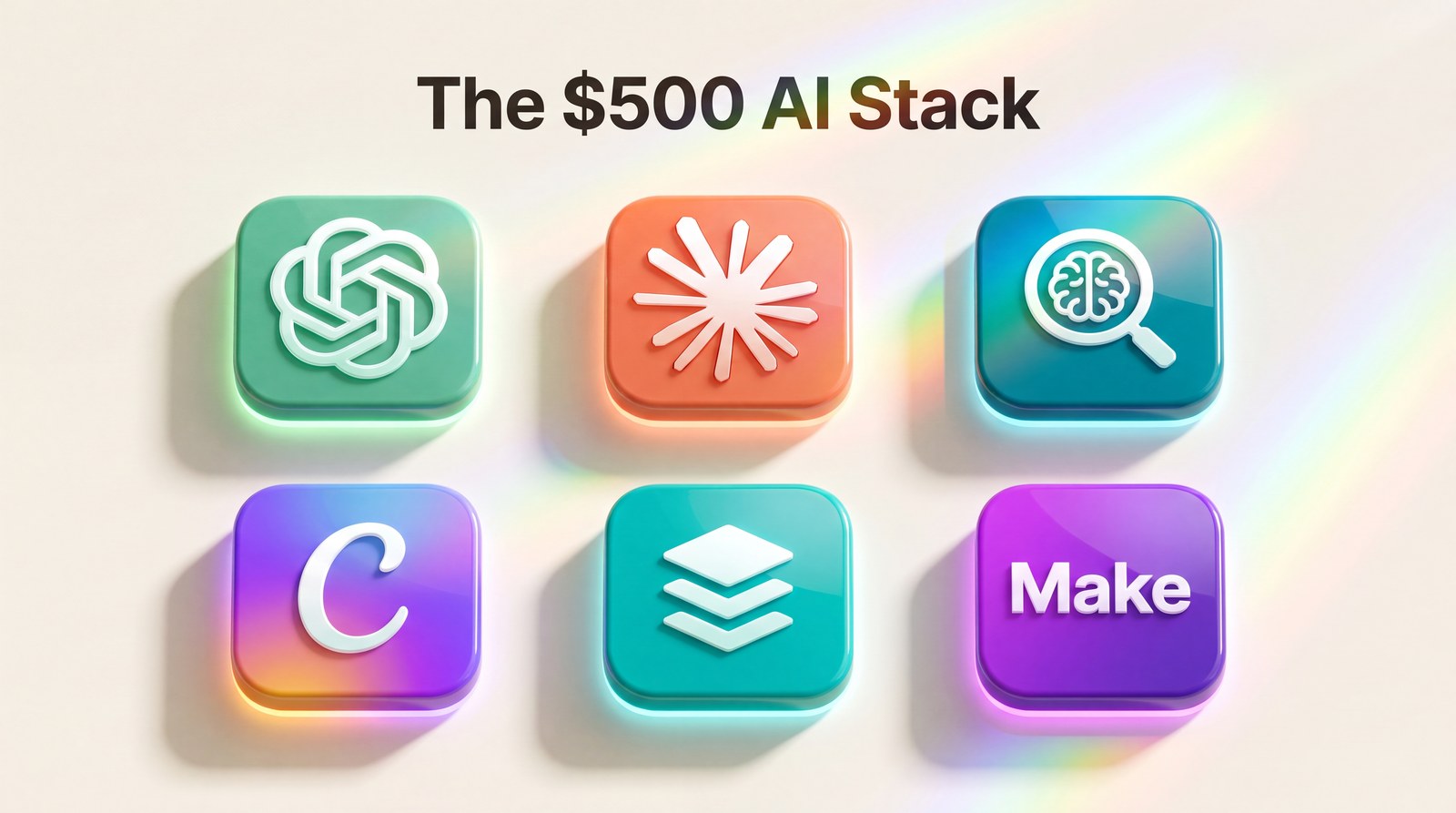
The 2026 AI Marketing Stack Under $500 a Month (What I Would Buy)
Six tools, real monthly prices, and what each one replaces, so you can copy the stack instead of testing fifty apps yourself.
There are more AI marketing tools right now than there are marketers. Scroll any “top 50 AI tools” list and you’ll notice something: the person who wrote it hasn’t paid for most of them.
So here’s the opposite of that list. If my entire stack disappeared tomorrow and I had a $500 monthly budget to rebuild it, this is exactly what I’d buy back, in order, with the reasoning. Six tools. Roughly $460 a month at current pricing at the time of writing (check current prices, they shift). No fluff purchases.
The Rule Before the List
One rule shaped every pick: a tool earns its slot by replacing hours, not by being impressive in a demo. If I can’t name the specific weekly task it takes off my plate, it doesn’t get paid.
Reddit’s marketing communities have quietly converged on the same idea. The practitioner threads I trust most all read the same way: a short list of boring workhorses, and a warning about shiny tools that got cancelled after month one.
Tool 1: A Flagship Chat Assistant (Around $20 to $30)
ChatGPT or Claude, pick one as your daily driver. This is the desk you sit at. Drafting, rewriting, brainstorming, summarising, thinking out loud.
I lean on Claude when the job involves long material, because you can paste an entire client brief or a 60 page PDF and ask questions against the whole thing, no summarising first. That single capability replaced hours of “read and extract” work each week.
Tool 2: A Research Tool With Sources (Around $20)
Perplexity Pro is the one I pay for. The difference from a chat assistant: it searches the live web and shows you where every claim came from.
What it replaces is the 45 minute rabbit hole. Competitor research, topic validation, “is this stat real,” all of it comes back in minutes with links you can check. For a marketer, sourced answers aren’t a luxury. They’re the difference between publishing confidently and publishing nervously.
Tool 3: Design Without a Designer (Around $15 to $40)
Canva Pro, with its AI features, covers 90 percent of what a solo marketer or small team ships: social graphics, carousels, one pagers, decks. The AI additions (background removal, magic resize, text to image for placeholders) are the quiet time savers.
Could a designer do better? Absolutely. But this list is about a $500 budget, and Canva is the best design output per dollar available to a non-designer right now.
Tool 4: A Scheduler (Around $30 to $60)
Buffer, Later, or whatever scheduler fits your platforms. Not glamorous. Essential. The AI stack upstream produces content faster than you can post it manually, and a scheduler is what turns a Sunday batch session into a full week of presence.
The honest math: batching one week of posts takes me around 90 minutes. Posting daily by hand costs 15 to 20 scattered minutes a day, plus the context switching, which is the real tax.
Tool 5: An Automation Layer (Around $10 to $30)
Make or Zapier, on a starter plan. This is the connective tissue: new form submission becomes a row in your sheet becomes a drafted follow-up email. You build each automation once, click by click, no code.
Start with exactly one automation: whatever task you do more than five times a week that involves copying information from one app to another. Mine was moving newsletter signups into a welcome sequence. Build that, live with it for a month, then add the next.
Tool 6: The Flex Slot (Whatever Is Left, Up to $300)
The remaining budget stays flexible on purpose, because this is where your niche lives. Video people might put it toward an AI video or clipping tool. Writers might add a second chat assistant for comparison drafting. Some months the right answer is spending none of it.
The flex slot exists so the core five stay stable. Chop and change up here, not down there.
The Monthly Math, All Together
Adding it up at typical current pricing: chat assistant around $25, research around $20, design around $30, scheduler around $45, automation around $20. That’s roughly $140 a month for the core five, leaving up to $360 of headroom before you touch the $500 ceiling.
Notice what that means. The stack most solo marketers actually need costs closer to $150 than $500. The budget isn’t the constraint. Discipline is. The extra room exists for the flex slot and for the occasional month where usage based fees spike, not as a target to spend up to.
And measure it against the other side of the ledger. If this stack saves you six hours a week (a conservative figure once the routines settle), and your time is worth even $50 an hour, that’s $1,200 a month of recovered time against $150 of tools. Framed that way, the question stops being “can I afford the stack” and becomes “which tool do I add first.”
How to Test a New Tool Without Wasting a Month
When something new tempts you, run the two week rule. Pick one recurring task the tool claims to fix. Use the free trial on that task only, for two weeks, tracking minutes saved in a note. At the end, the note either shows a number worth paying for or it doesn’t.
What this prevents is the classic pattern: sign up excited, poke around for an hour, forget it, get billed for a year. The tool never gets judged on vibes again. Only on the note.
What I Deliberately Left Out
No AI tool that promises to “do your marketing for you.” No all in one platforms that do six things at a C+ level. No tools where the AI label is a chatbot bolted onto software you didn’t need.
Your homework is one line: write down the five tasks that ate your week, then match tools to tasks. Never the other way around. That order, tasks first, is the entire difference between a stack and a subscription graveyard.
Building your stack this month? Pair it with my free 100 AI Prompts pack, ready made prompts for the drafting, research, and planning tasks these tools handle. Get the pack free.