New to AI? Automate These 10 Everyday Tasks First (A 2-Week Starter Plan)
The reason most people quit AI isn’t that it’s hard. It’s that they don’t know where to start. Here are the exact ten tasks to hand off, in the order that builds confidence fastest.
If you’ve opened ChatGPT, stared at the blank box, typed something half-hearted, and closed the tab, you’re not behind. You’re just missing a starting point. Everyone tells you AI will change your life. Nobody hands you the first ten things to actually do.
So here it is. Ten everyday tasks, ordered from easiest to most useful, spread over two weeks. By the end you won’t be an expert. You’ll be someone who quietly uses AI every day without thinking about it. That’s the real goal.
Week One: Build the Habit With Low-Stakes Wins
Start where mistakes don’t matter. The point of week one is to make AI feel normal, not impressive.
-
Summarise something long. Paste a long email, article, or report and ask for the key points in five bullets. Instant value, zero risk.
-
Draft a reply you’ve been dreading. That awkward email you keep avoiding, ask AI for a polite first draft, then edit. The blank page is the hard part; this removes it.
-
Rewrite something to fit. “Make this shorter.” “Make this more friendly.” “Make this fit in a text.” Reshaping text you already have is the safest possible practice.
-
Make a list or plan. A packing list, a meeting agenda, a checklist for a recurring task. AI is excellent at structure.
-
Explain something confusing. “Explain this insurance letter like I’m in a hurry.” Using it as a patient translator builds trust fast.
By Friday, AI stops feeling like a science experiment and starts feeling like a tool you reach for.
Week Two: Move Into Real Work
Now point it at tasks that save real time.
-
Brainstorm ideas. Content topics, gift ideas, names, angles. AI is a tireless brainstorm partner that never runs dry or judges a bad idea.
-
Turn notes into something finished. Paste messy meeting notes and ask for a clean summary with action items. This one alone saves hours over a month.
-
Draft the first version of a document. A proposal, a job post, a description. Never start from blank again, start from a draft you improve.
-
Prepare for something. “I have a call with a new client tomorrow. What should I ask?” AI as a prep partner is wildly underused.
-
Build one reusable prompt. Take whichever task above helped most and write a saved prompt for it. This is the graduation step, you’re not just using AI, you’re building your own system.
Why This Order Matters
Most people fail because they start with task number ten on day one, they try to automate something important, it goes wrong, and they conclude AI doesn’t work.
Confidence compounds. Five easy wins make the harder tasks feel approachable. By the time you reach the reusable prompt, you’ve already proven to yourself that this thing works. Order is the difference between a habit and a quit.
How Much Time Will This Actually Take?
Less than you fear. Each task on this list takes two to five minutes the first time and under a minute once it’s familiar. You’re not setting aside an hour to “learn AI.” You’re swapping the slow version of a task you already do for a faster one, in the moment you’d be doing it anyway.
That’s the real trick. Don’t schedule AI practice. Just use it for the next thing on your to-do list. About to write an awkward email? That’s task two. About to read a long report? That’s task one. The habit installs itself inside work you already have to do, which is why it sticks when “I’ll learn AI this weekend” never does.
What Tool Should a Beginner Start With?
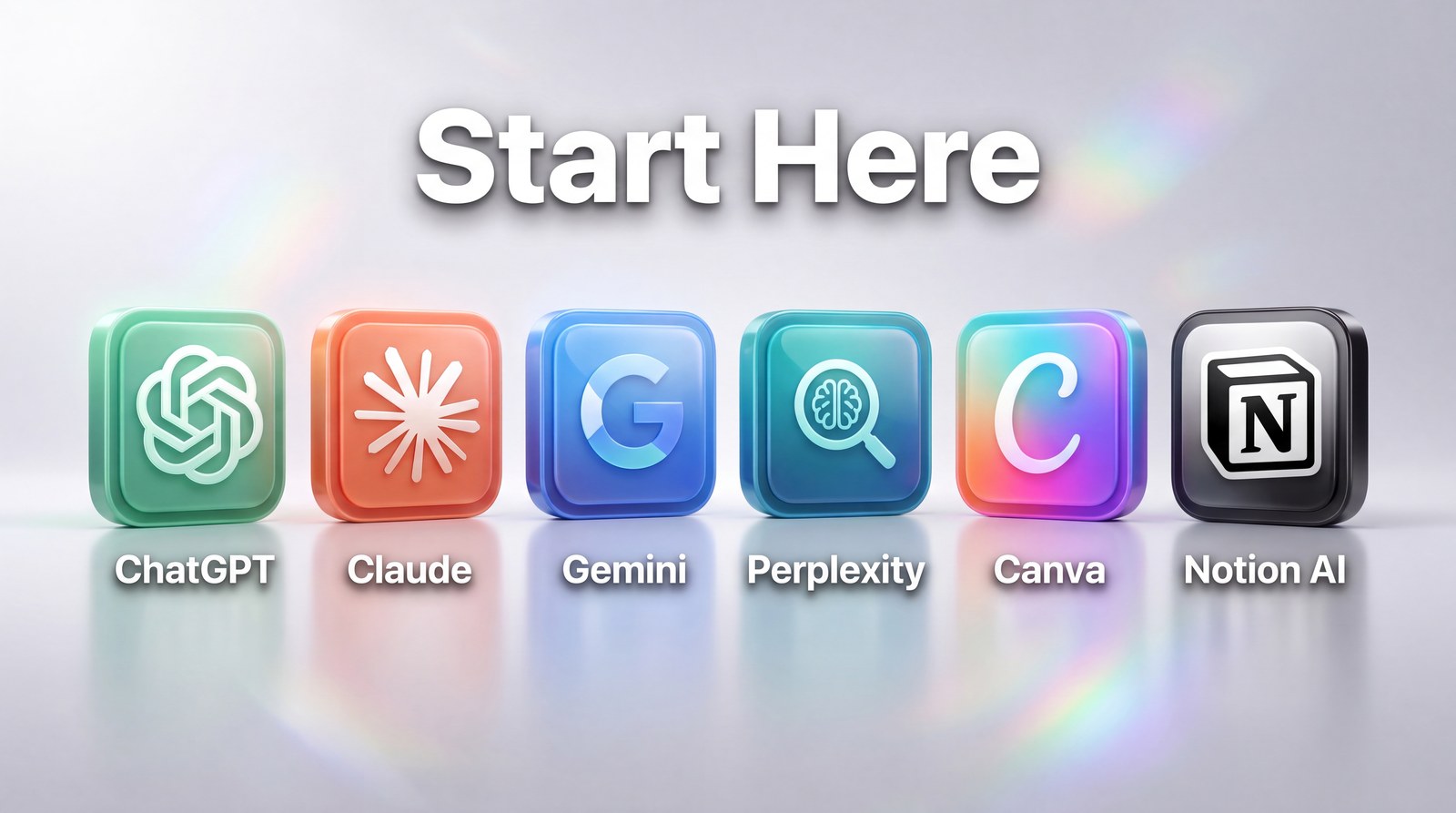
Any of the big three will do all ten of these tasks, so don’t agonise. If you want the most familiar starting point with help available everywhere, ChatGPT’s free tier is the easy default. The goal in your first two weeks isn’t picking the perfect tool, it’s building the reflex of reaching for AI at all. You can always switch later once you know what you actually use it for. Starting is worth more than choosing perfectly.
The Only Rule That Matters
Check the output before you use it. AI is a brilliant, fast, occasionally confident liar. It will sometimes get facts wrong with total conviction.
Treat it like a sharp intern: great first drafts, real time saved, but you sign off on everything. Keep that one rule and AI becomes the most useful tool in your week.
What If I Make a Mistake?
You will, and it costs you nothing. This is the quiet permission most beginners need: there’s no “wrong” way to ask. If the answer’s off, you just tell it what you actually wanted and try again, it never gets annoyed, never judges the question, never charges you for a do-over. That safety is exactly why the easy tasks come first. You’re learning in a space where mistakes are free, building the confidence to point AI at bigger jobs later. The only real mistake is not starting because you’re afraid of getting it wrong.
Pick task number one today. Summarise something long. That’s the whole first step, and two weeks from now, you’ll wonder how you worked without it.
Want the prompts for all ten tasks? My free 100 AI Prompts pack gives you copy-paste prompts for exactly these everyday jobs, no guesswork. Grab them free.